Modernization of existing software and processes.
Your old software, Access databases or macro-driven Excel files taken over, secured and extended, without stopping the business.
Talk about your projectMany companies run on a tool built ten or fifteen years ago: an Access application, software installed on a single computer, an Excel file with macros that only one person knows how to change. It does the job, but it is becoming a risk. The developer has left, backups are uncertain, nothing works on a phone and every change is a source of worry.
We take these tools over without breaking everything. We start by understanding what they really do, hidden rules included, then replace them in stages: the data is migrated, the features are rebuilt on a modern foundation and the old system stays available until the new one has proven itself.
The result: the same business logic, without the fragility, accessible from any computer or phone, and ready to evolve.
What it includes
- Audit of the existing system: features, data, undocumented business rules
- Data migration from Access, Excel, SQL Server or MySQL
- Gradual rebuild, module by module
- Old and new systems running in parallel during the transition
- Web and mobile access, with users and permissions
- Automatic backups and secure hosting
- Complete documentation handed over at the end of the project
- Connection to your other tools: accounting, invoicing, email
How we work
Audit of the existing system
We take stock of what your tool really does, its data and its rules, including the ones nobody ever wrote down.
Migration plan
A step-by-step plan, showing what changes for each user and when. Nothing stops overnight.
Data import
Cleaning, checking and importing the history. You verify samples before any switchover.
Rebuild by module
Each module is rebuilt, tested with your users and then put into service, while the rest keeps running.
Supported switchover
Training, a period running in parallel, then shutdown of the old system once everyone is ready.
Ongoing support
Maintenance, backups and new features, with documentation kept up to date.
Technologies we use
- Next.js
- TypeScript
- PostgreSQL
- Supabase
- Node.js
- Python
Frequently asked questions
Our software has no documentation and the developer has left. Can you take it over?
Yes, that is actually the most common case. We reconstruct how it works from the tool itself, its data and the people who use it.
Will we have to stop operations during the migration?
No. Both systems run in parallel for as long as needed, and the switchover happens module by module.
Can we keep some of our Excel files?
Yes. We keep Excel where it is practical, with clean imports and exports, and replace the fragile parts.
How much does a modernization cost?
It depends on the size of the tool and the state of the data. The initial audit leads to a written quote, split into stages that you can launch one at a time.
Recent work
All work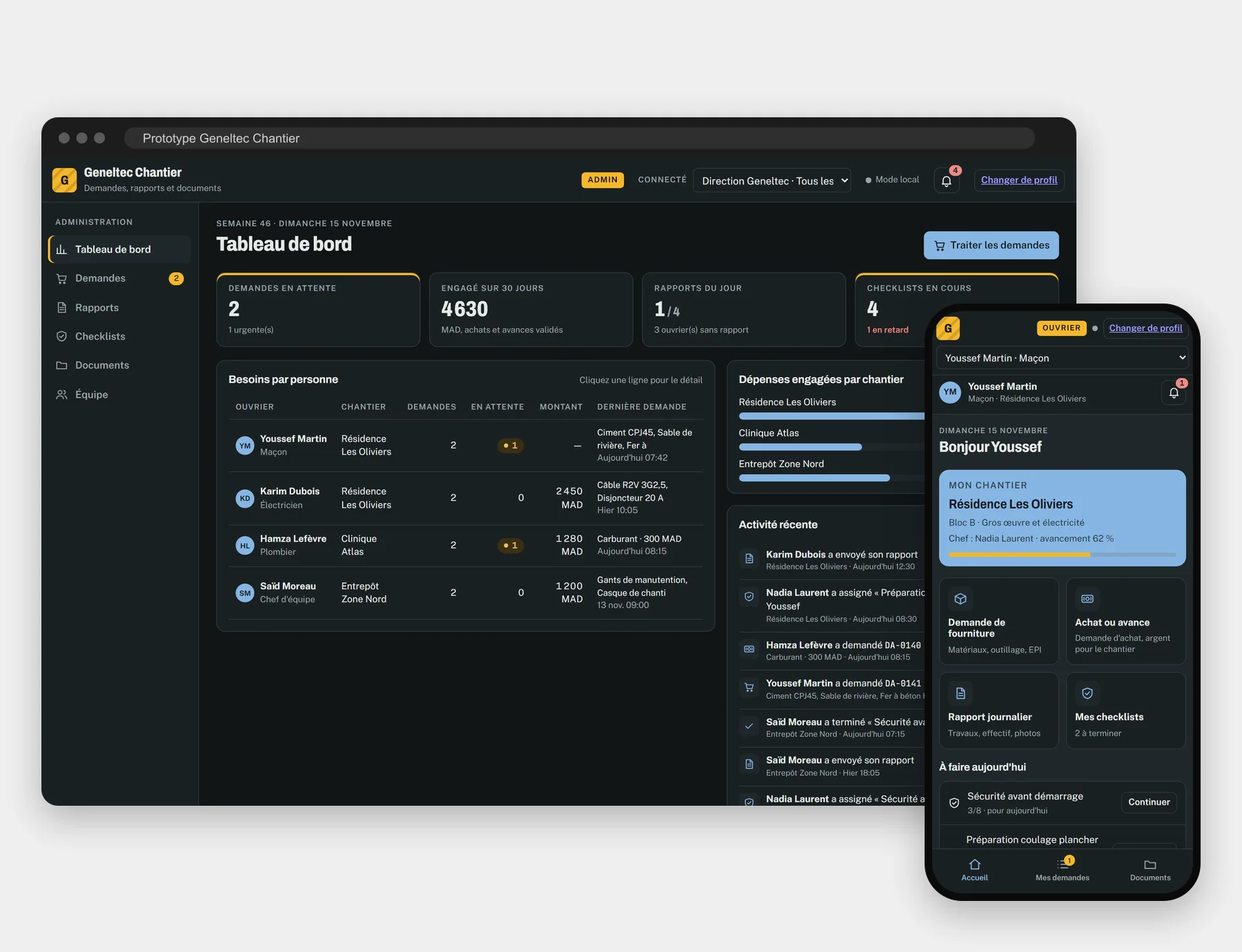
Geneltec
Prototype • Electrical contracting
A prototype job site app: material and petty cash requests, daily reports and signed safety checklists, approved by the site supervisor.
Read the case study
Darlkhir
Multi-party platform
A platform that connects verified charities, volunteers and donors, with transparent tracking of donations.
Read the case study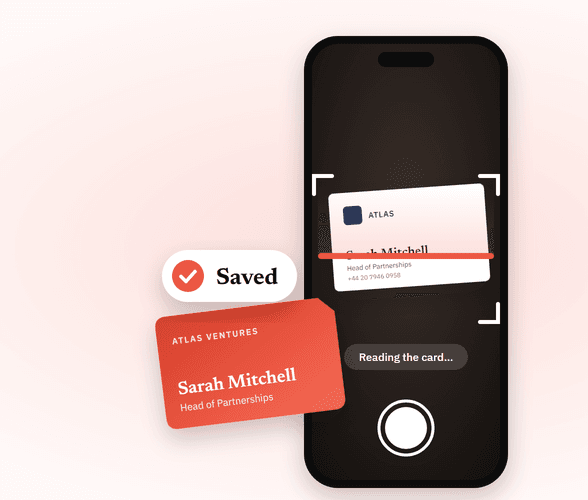
uKeep
Mobile app • Document reading
An app that photographs a business card, extracts its details automatically and keeps the context of the meeting.
Read the case studyOur other services
Operations management platform
Job sites, work orders, contracts, stock and teams brought together in a single system, built around the way you work.
Field app for your teams
Work orders, reports, photos and signatures from the phone, even with no network, synchronized with the office.
Equipment and building monitoring
Temperatures, energy use, alarms and equipment status fed automatically into your platform, with alerts that matter.
Let's talk about your operations
Tell us what costs your teams time today. We'll tell you honestly whether a custom platform is the right answer, and where to start.